 Clipbeam
How does this work?
Whenever you add any webpage to Safari's Reading List, a clip for this webpage will be created in Clipbeam automatically. Removing webpages from Safari's Reading List will automatically delete the corresponding clips in Clipbeam.
If you don't want to add a page to Safari's Reading List but still want to clip it, you can also create a folder in your bookmarks called Clipbeam. Any page bookmarked in this folder will also automatically get clipped.
Enable Full Disk Access
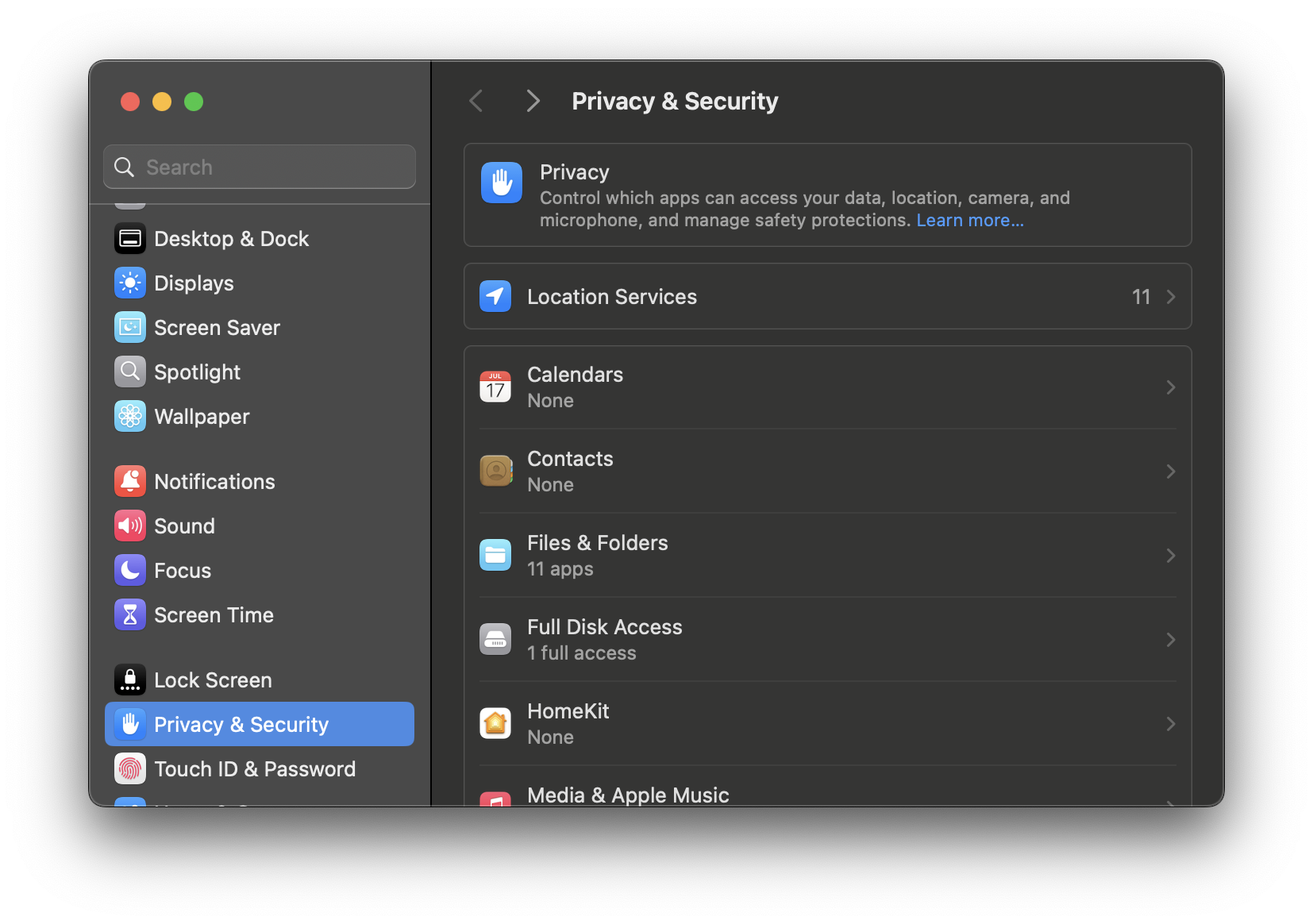
In order to enable this feature, Clipbeam needs access to Safari's bookmarks. This requires 'Full Disk Access' on macOS. Clipbeam has automatically opened system preferences for you.
- Click on Full Disk Access.
- Add Clipbeam to the list of apps using the + button.
- Restart Clipbeam.
- Go to File > Import Clips > Track Safari Reading List.